🦩 Python添加图片水印
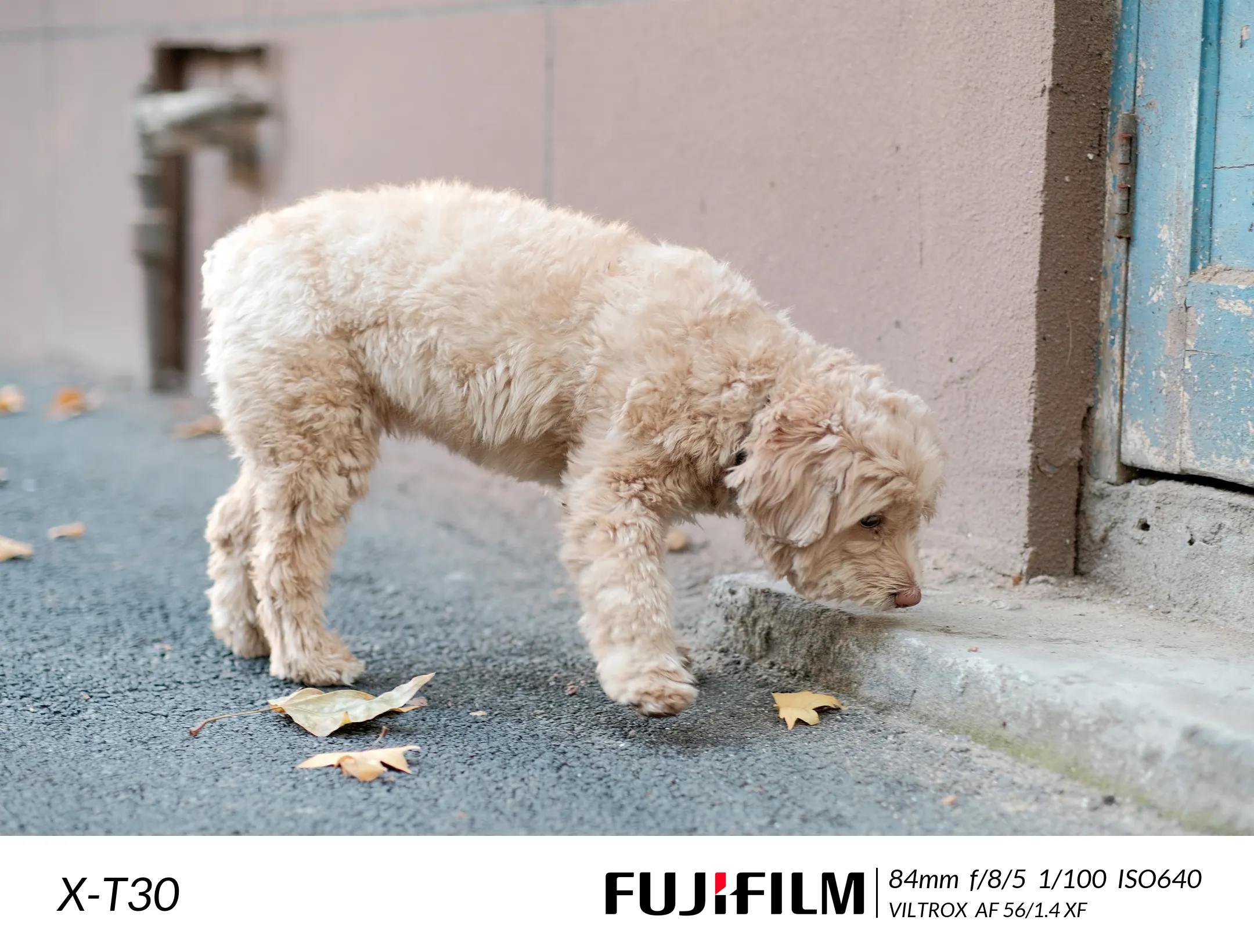
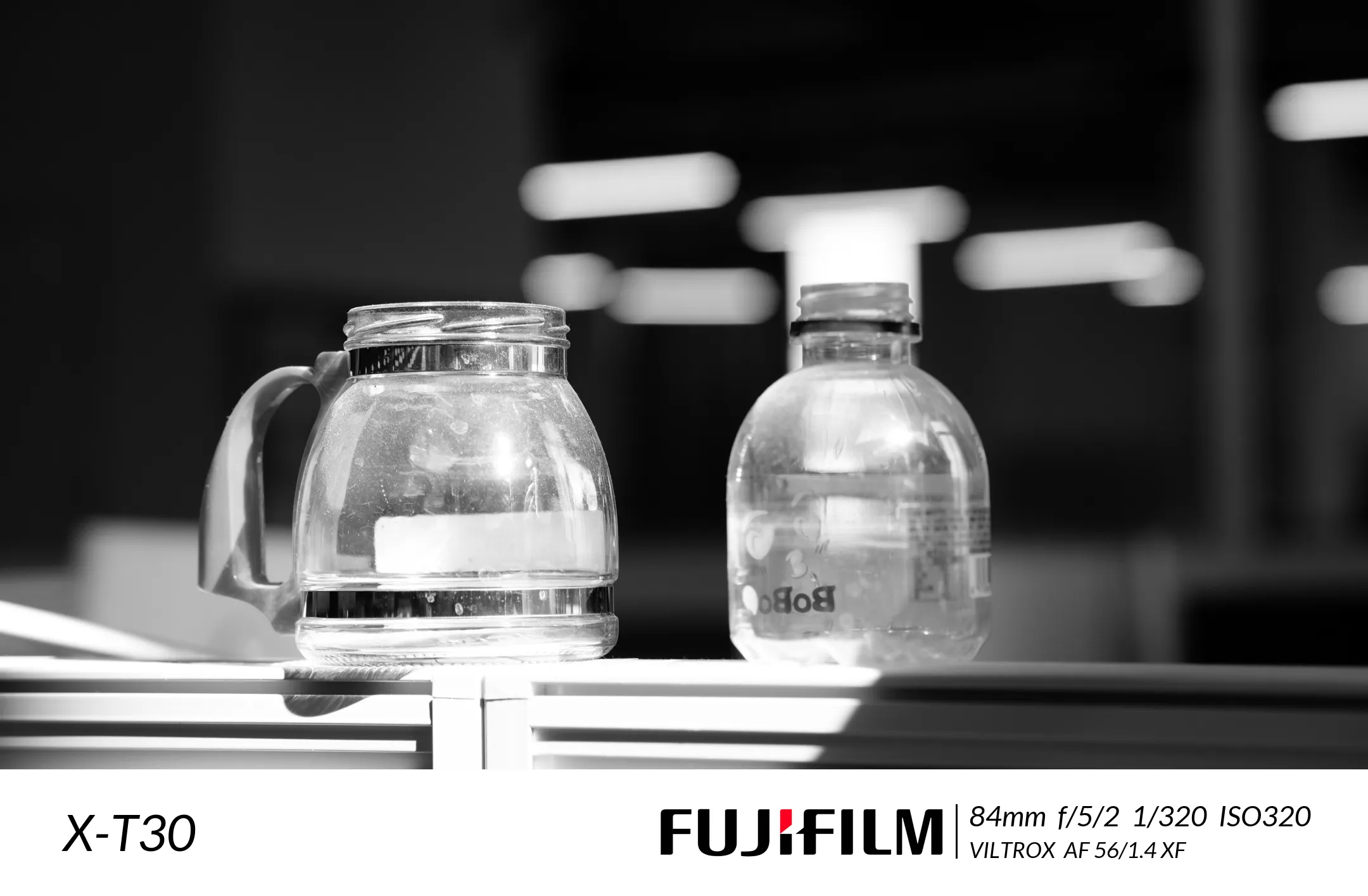
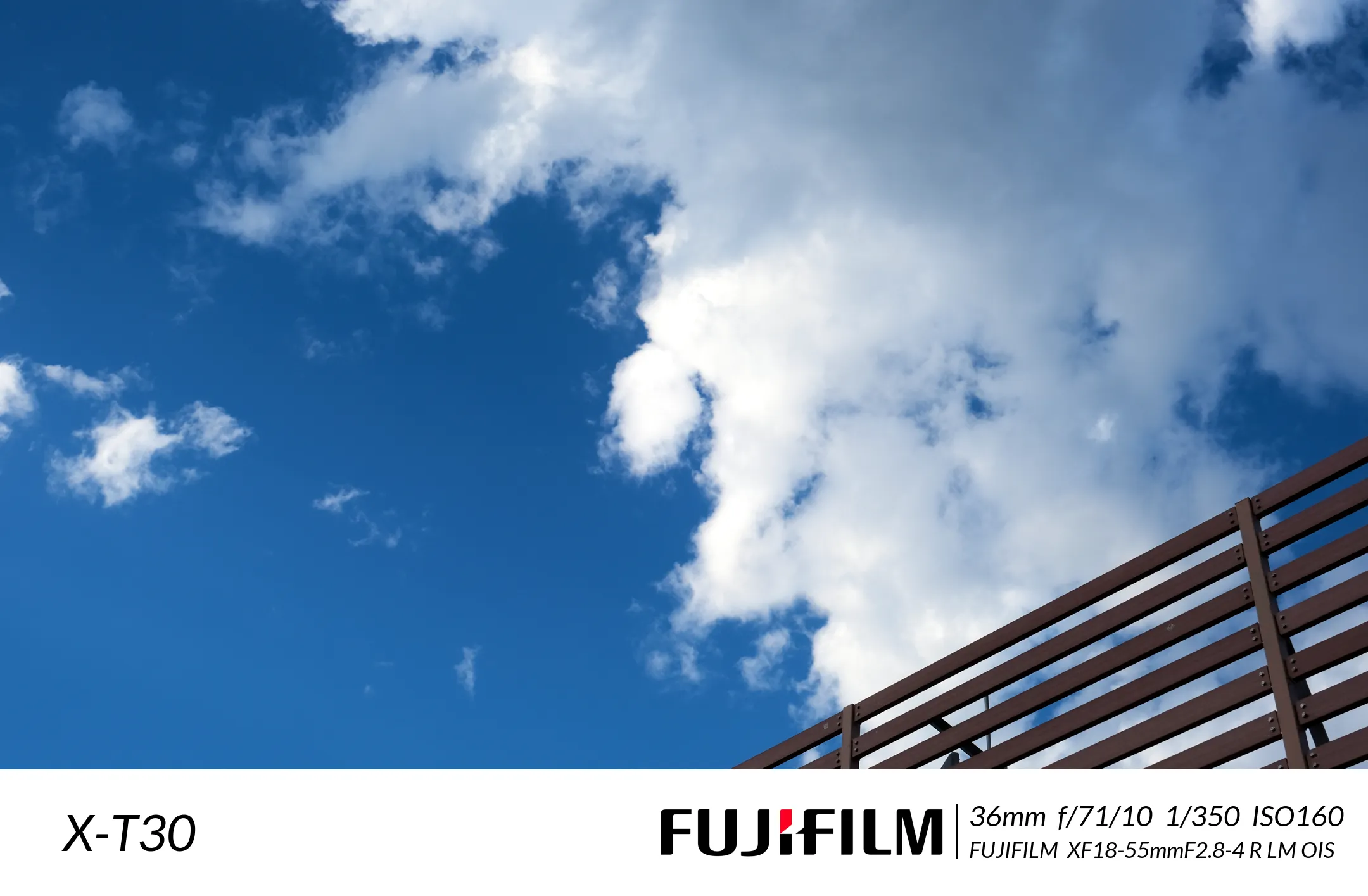
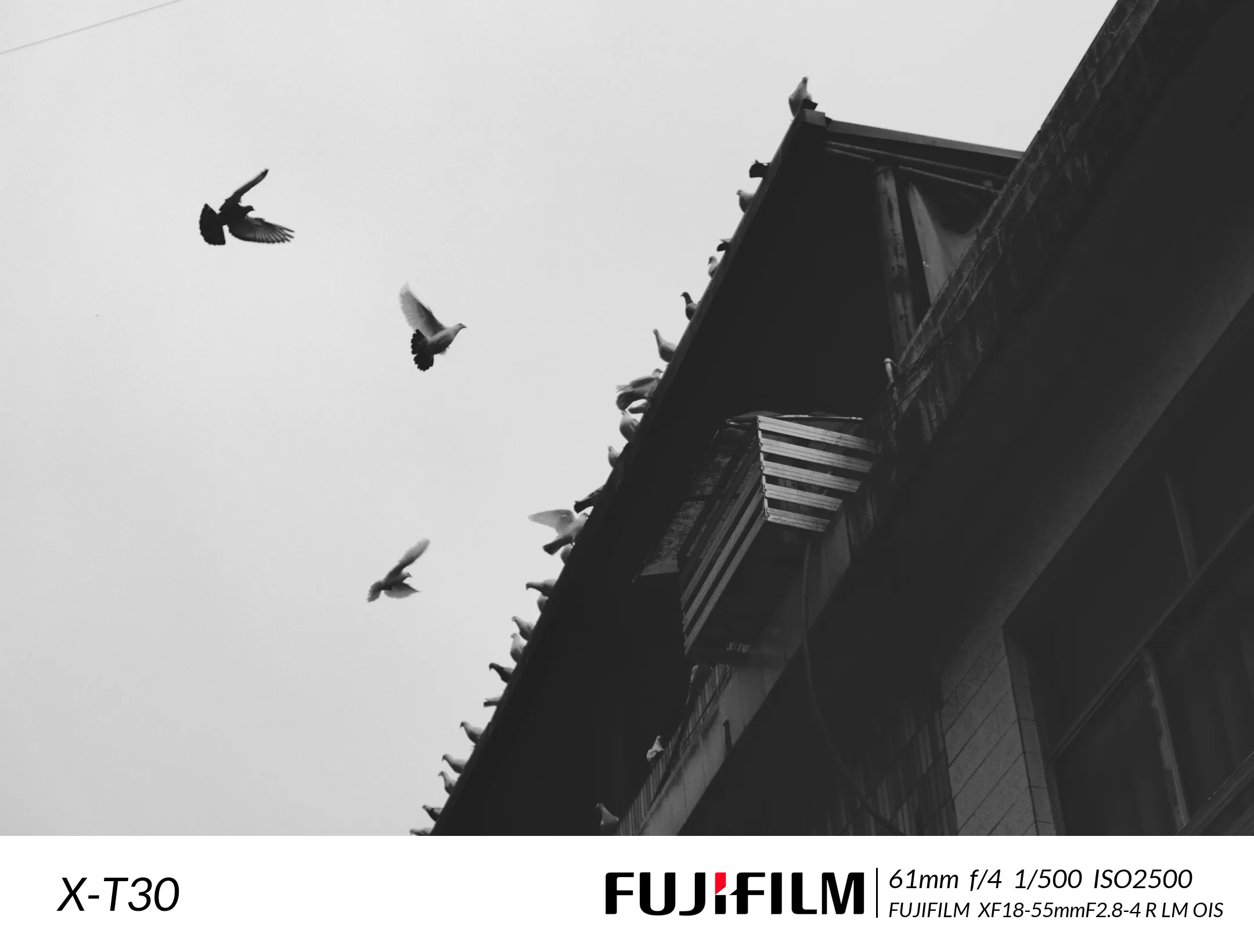
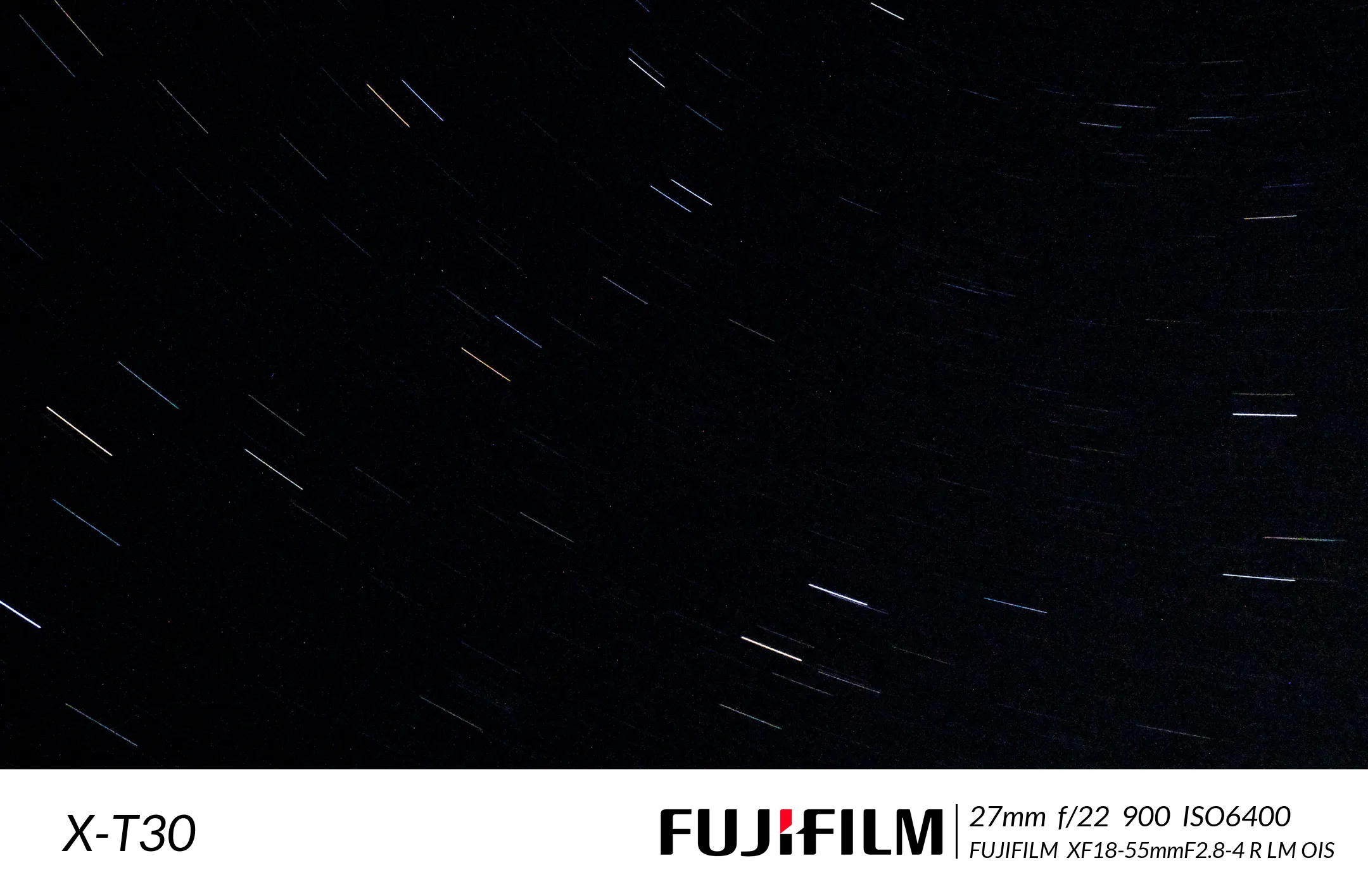
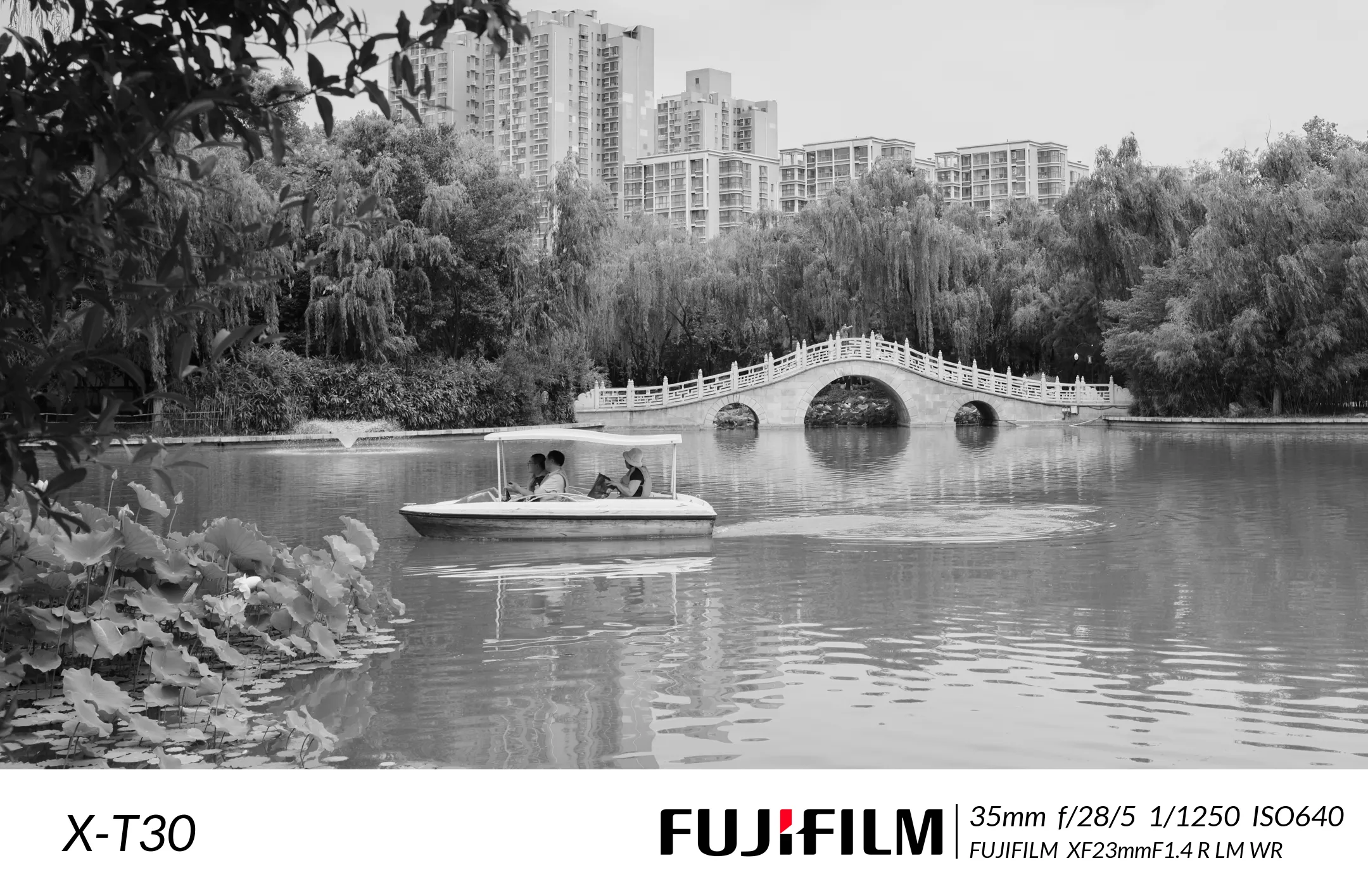
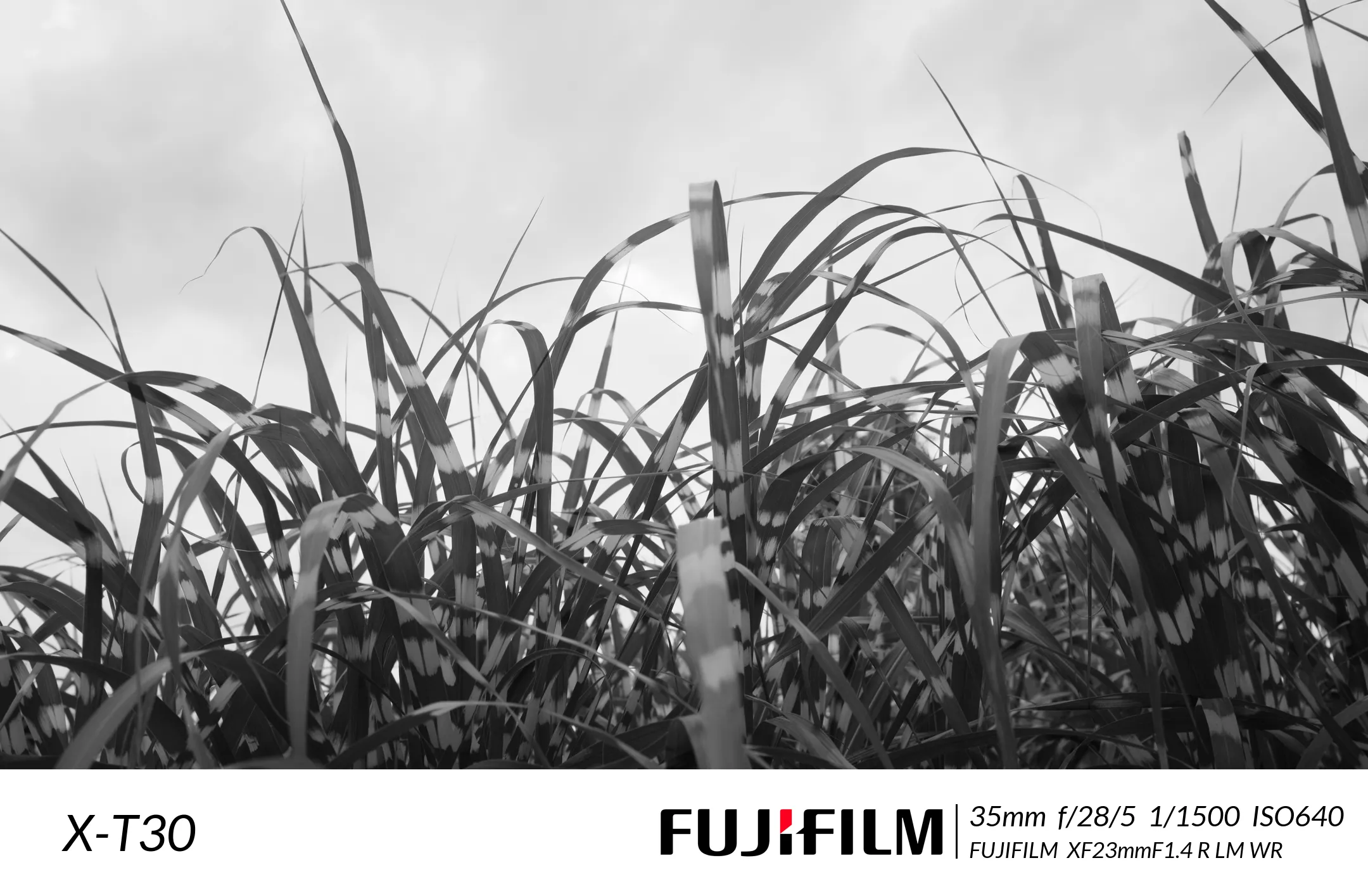
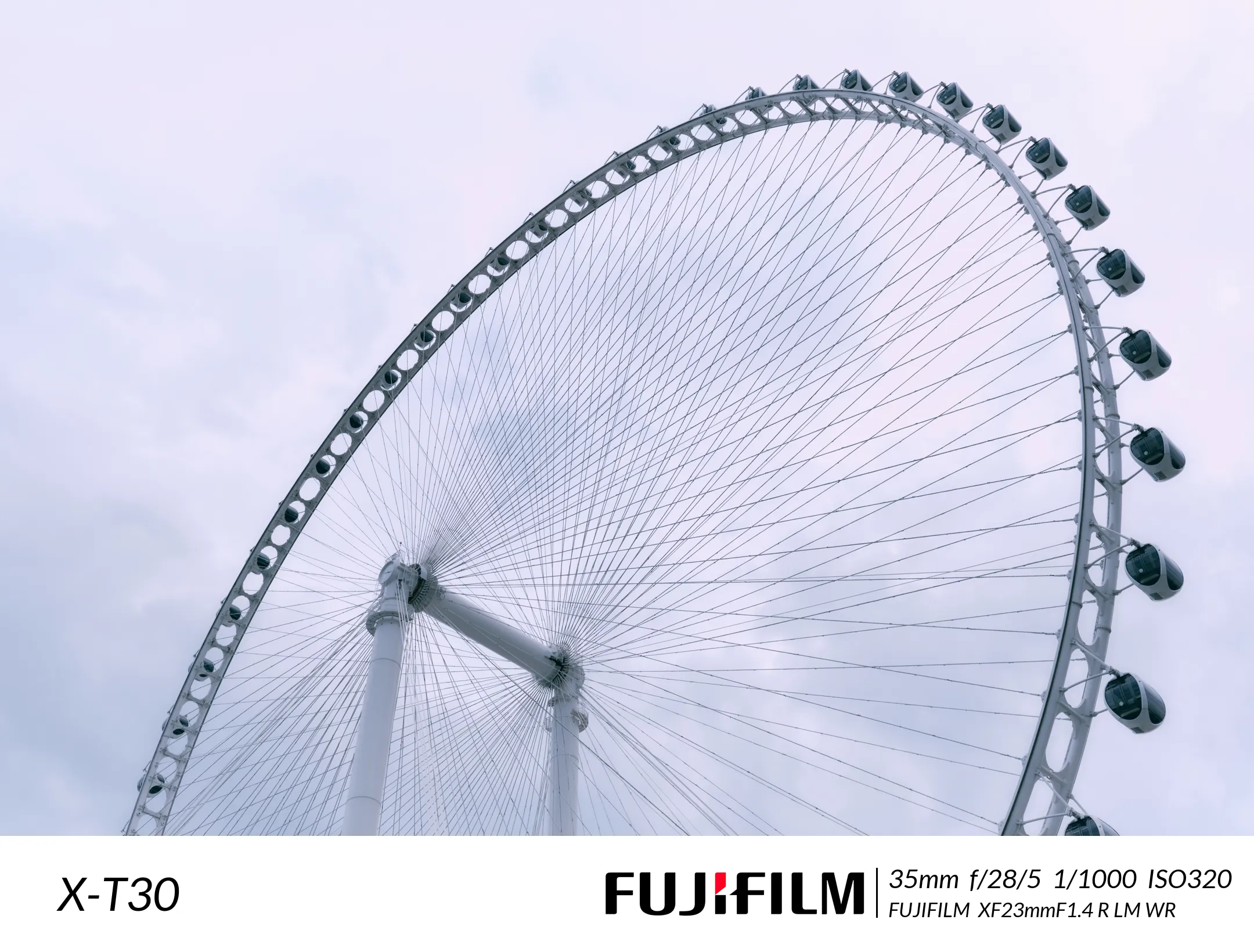
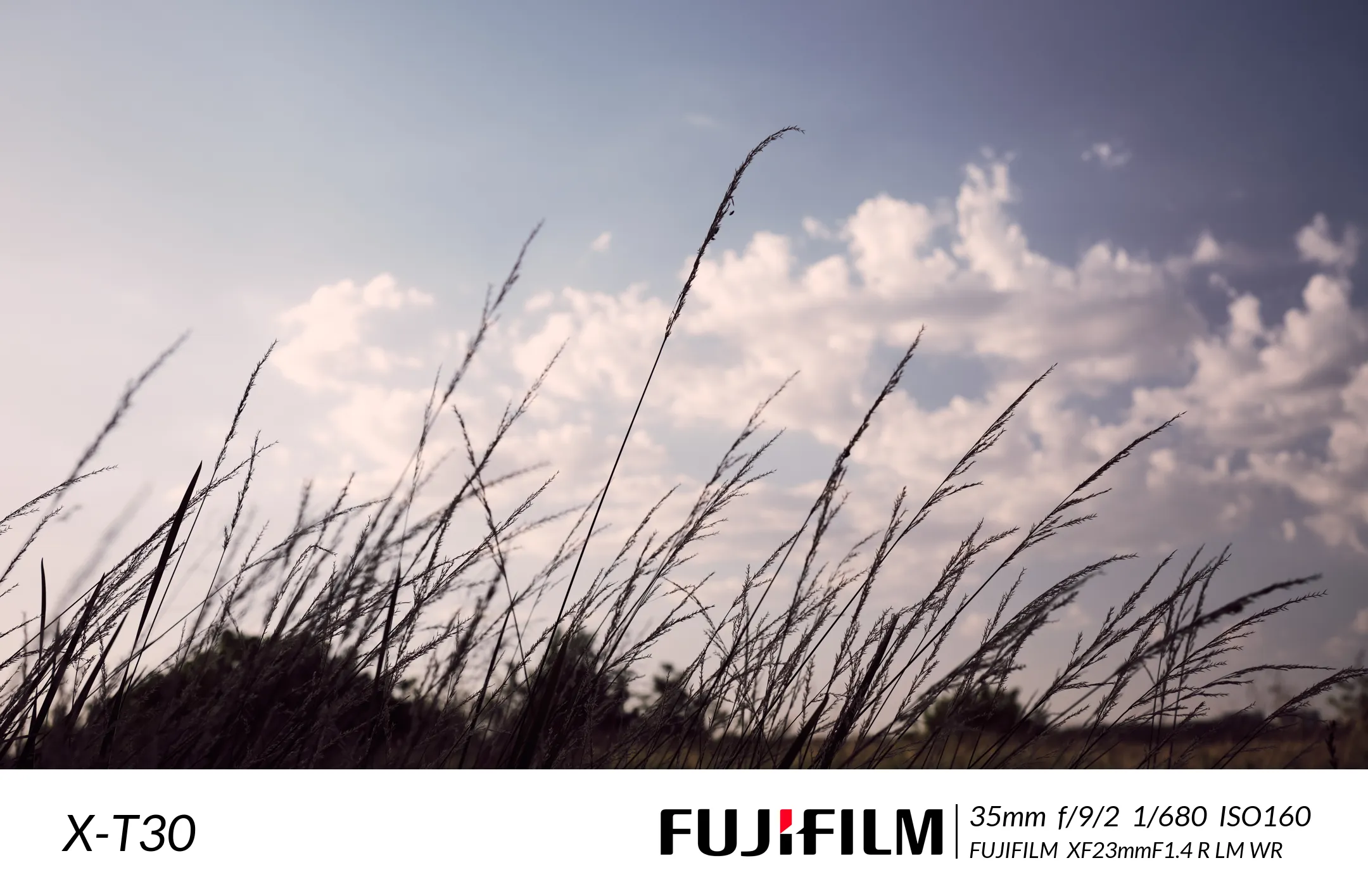
如图所示
壹丨任务分析
水印内容包括:
- 原始图像
- 底部左侧相机型号
- 底部右侧相机品牌Logo、间隔竖线、焦距、光圈、快门速度、感光度、镜头信息
添加水印的思路为:
- 读取原始图像EXIF信息
- 原始图像基础上添加白边
- 在白边上添加图像信息及Logo
贰丨编程环境及扩展库
1. 读取图像EXIF信息
使用exifread库:
pip install exifread
读取操作:
f = open(path, 'rb')
tags = exifread.process_file(f)
tags字典变量中包含图像的相关信息,本文使用到的关键信息包括:
"""
相机厂商:tags['Image Make']
相机型号:tags['Image Model']
镜头型号:tags['EXIF LensModel']
拍摄时间:tags['Image DateTime']
作者:tags['Image Artist']

等效焦距:tags['EXIF FocalLengthIn35mmFilm']
曝光时间:tags['EXIF ExposureTime']
光圈大小:tags['EXIF FNumber']
ISO:tags['EXIF ISOSpeedRatings']
"""
2. 图像操作
使用pillow库:
pip install pillow
为图像底部添加白边:
h += width
img_new = Image.new('RGBA', (w, h), color)
img_new.paste(img, (0, 0, w, h - width))
为图像添加文字:
draw = ImageDraw.Draw(image_border)
font = ImageFont.FreeTypeFont(font=self.font, size=80)
draw.text(xy=(100, height + 50), text=str(tags['Image Model']), fill=(0, 0, 0), font=font)
为图像添加竖线:
draw.line([(int(self.width * 0.5 + 430), int(height + 55)), (int(self.width * 0.5 + 430), int(height + 140))], width=3, fill='black')
图像转换为webp格式:
image_border.save(file_path, "WEBP")
3. 显示进度条
使用tqdm库:
pip install tqdm
显示进度条和信息
all_image_path = tqdm.tqdm(glob.glob(f"{self.init_path}/*.[jp][pn]g"))
for file_path in all_image_path:
    all_image_path.set_description(f'正在转换{os.path.split(file_path)[-1]} 线程数{num_threads}')
4. 多线程处理
使用内置threading库:
新建线程并放入:
all_image_path = tqdm.tqdm(glob.glob(f"{self.init_path}/*.[jp][pn]g"))
threads = []
for file_path in all_image_path:
    thread_name = os.path.split(file_path)[-1]
    t = threading.Thread(target=self.generate_image, args=(file_path,), name=thread_name)
    threads.append(t)
    all_image_path.set_description(f'添加进程{thread_name}')
    t.start()
print(f'共添加{threading.active_count()}个线程')
线程同步:
t_threads = tqdm.tqdm(threads)
for thread in t_threads:
    thread.join()
    num_threads = self.pool_sema.__dict__['_value']
    t_threads.set_description(f'正在转换{thread.name} 线程数:{8 - num_threads}')
限制同时运行的线程数:
self.max_threads_num = 8
self.pool_sema = threading.BoundedSemaphore(value=self.max_threads_num)
...
self.pool_sema.acquire()
...
self.pool_sema.release()
其中,限制线程数时,显示剩余可用线程数(未考证):
num_threads = self.pool_sema.__dict__['_value']
叁丨整体程序
# -*- coding: utf-8 -*-
"""
====================================
@File Name :WaterMarkClass.py
@Time : 2022/7/24 15:32
@Program IDE :PyCharm
@Create by Author : 一一风和橘
@Motto:"The trick, William Potter, is not minding that it hurts."
====================================
"""
import glob
import os
import threading

import exifread
import tqdm
from PIL import Image, ImageDraw, ImageFont


class WaterMarkClass:
    def __init__(self, max_threads_num=8):
        self.init_path = 'ImgInit/'
        self.webp_path = 'ImgWebp'
        self.border_width = 200
        self.width = 2160
        self.font = 'C:/Users/MasterMao/AppData/Local/Microsoft/Windows/Fonts/Lato Italic.ttf'
        self.logo = './Logo/logo.png'
        self.pool_sema = threading.BoundedSemaphore(value=max_threads_num)

    def check(self):
        if not os.path.exists(self.webp_path):
            os.makedirs(self.webp_path)

        if not os.path.exists(self.font):
            print(f'{os.path.split(self.font)[-1]}字体不存在!')
            return 0
        return 1

    def run(self):
        if not self.check():
            return 0
        all_image_path = tqdm.tqdm(glob.glob(f"{self.init_path}/*.[jp][pn]g"))
        threads = []
        for file_path in all_image_path:
            thread_name = os.path.split(file_path)[-1]
            t = threading.Thread(target=self.generate_image, args=(file_path,), name=thread_name)
            threads.append(t)
            all_image_path.set_description(f'添加进程{thread_name}')
            t.start()
        print(f'共添加{threading.active_count()}个线程')

        t_threads = tqdm.tqdm(threads)
        for thread in t_threads:
            thread.join()
            num_threads = self.pool_sema.__dict__['_value']
            t_threads.set_description(f'正在转换{thread.name} 线程数:{8 - num_threads}')

    @staticmethod
    def get_exif(path):
        """获取图片的EXIF信息"""
        """
        相机厂商:tags['Image Make']
        相机型号:tags['Image Model']
        镜头型号:tags['EXIF LensModel']
        拍摄时间:tags['Image DateTime']
        作者:tags['Image Artist']

        等效焦距:tags['EXIF FocalLengthIn35mmFilm']
        曝光时间:tags['EXIF ExposureTime']
        光圈大小:tags['EXIF FNumber']
        ISO:tags['EXIF ISOSpeedRatings']
        """
        f = open(path, 'rb')
        tags = exifread.process_file(f)
        f.close()
        return tags

    @staticmethod
    def generate_border(img, loc='b', width=100, color=(255, 255, 255)):
        w = img.size[0]
        h = img.size[1]

        if loc in ['a', 'all']:
            w += 2 * width
            h += 2 * width
            img_new = Image.new('RGB', (w, h), color)
            img_new.paste(img, (width, width))
        elif loc in ['t', 'top']:
            h += width
            img_new = Image.new('RGB', (w, h), color)
            img_new.paste(img, (0, width, w, h))
        elif loc in ['r', 'right']:
            w += width
            img_new = Image.new('RGB', (w, h), color)
            img_new.paste(img, (0, 0, w - width, h))
        elif loc in ['b', 'bottom']:
            h += width
            img_new = Image.new('RGBA', (w, h), color)
            img_new.paste(img, (0, 0, w, h - width))
        elif loc in ['l', 'left']:
            w += width
            img_new = Image.new('RGB', (w, h), color)
            img_new.paste(img, (width, 0, w, h))
        else:
            img_new = img
        return img_new

    def generate_image(self, file_path):
        self.pool_sema.acquire()
        # 打开图片
        img = Image.open(file_path).convert('RGBA')
        # 获取图片信息
        tags = self.get_exif(file_path)
        # 调整大小
        height = int(self.width * img.size[1] / img.size[0])
        img = img.resize((self.width, height))

        # 添加白边
        image_border = self.generate_border(img, width=self.border_width)

        # 添加相机型号信息
        draw = ImageDraw.Draw(image_border)
        font = ImageFont.FreeTypeFont(font=self.font, size=80)
        draw.text(xy=(100, height + 50), text=str(tags['Image Model']), fill=(0, 0, 0), font=font)

        # 添加竖线
        draw.line([(int(self.width * 0.5 + 430), int(height + 55)), (int(self.width * 0.5 + 430), int(height + 140))],
                  width=3, fill='black')

        # 添加图片信息
        # 等效焦距+光圈数+曝光时间+ISO
        font = ImageFont.FreeTypeFont(font=self.font, size=45)
        text = f'{tags["EXIF FocalLengthIn35mmFilm"]}mm  ' \
               f'f/{tags["EXIF FNumber"]}  ' \
               f'{tags["EXIF ExposureTime"]}  ' \
               f'ISO{tags["EXIF ISOSpeedRatings"]}'
        draw.text(xy=(0.5 * self.width + 450, height + 45), text=text, fill=(0, 0, 0), font=font)

        # 添加镜头信息
        font = ImageFont.FreeTypeFont(font=self.font, size=35)
        text = f'{tags["EXIF LensMake"]}  {tags["EXIF LensModel"]}'
        draw.text(xy=(0.5 * self.width + 450, height + 105), text=text, fill=(0, 0, 0), font=font)

        # 添加相机品牌Logo
        logo = Image.open(self.logo).convert('RGBA').resize((452, 80))
        image_border.paste(logo, (int(self.width * 0.5 - 40), int(height + 60)))

        # 保存新图片并转为webp格式
        file_name = os.path.split(file_path)[-1] + '.webp'
        file_path = os.path.join(self.webp_path, file_name)
        # image_border = image_border.convert('RGB')
        image_border.save(file_path, "WEBP")
        self.pool_sema.release()


if __name__ == '__main__':
    my_watermarker = WaterMarkClass()
    my_watermarker.run()
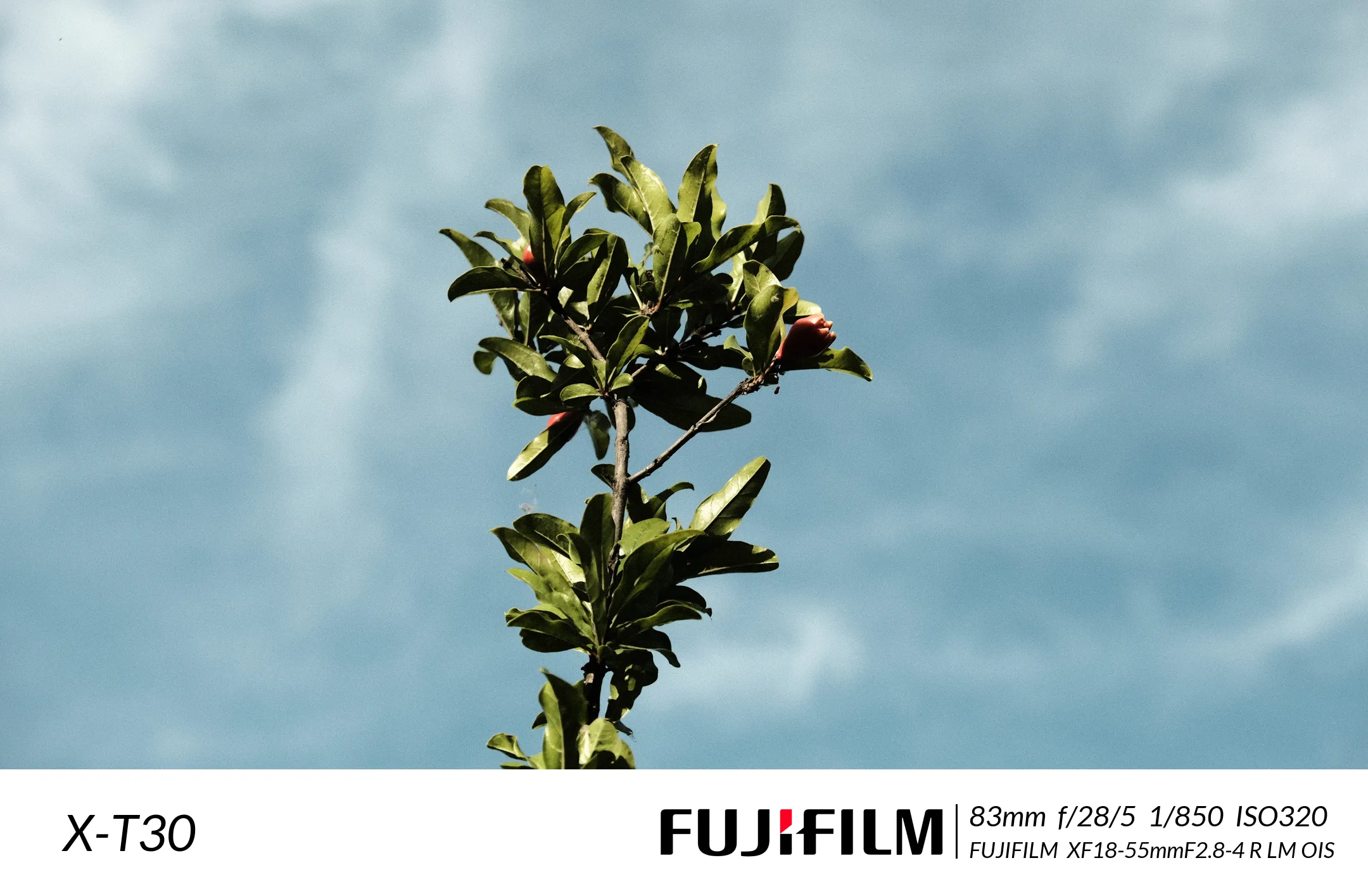
肆丨样张